


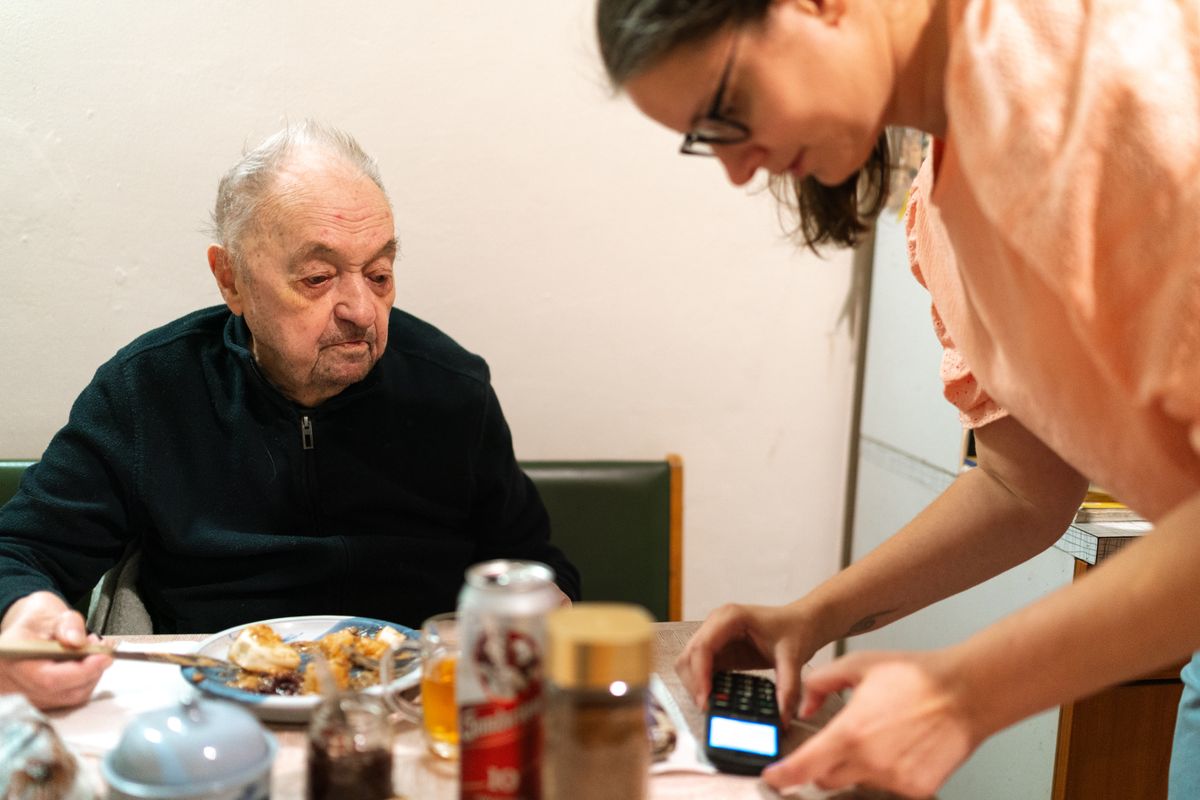
Most pill apps assume you are the patient. Mediva One detects when you only support others—accepted Circle of Care invites and no active personal medicines—and switches to helper mode: Care dashboard, shared documents tab, and profile.
Setup
- Install Mediva One and create your account.
- Ask the person you support to send a Circle of Care invite from their app.
- Accept the invite; they choose permissions (meds, doses, documents, cycle, etc.).
- Enable push notifications for missed or snoozed dose alerts.
What helpers see
Only categories the owner enabled. You do not get their password or full phone access—just the shared views Mediva One renders for helpers.
Switching back to full mode
If you later add your own medicines, the app returns to the five-tab owner experience automatically.
Typical helper workflow
- Accept invite → enable push → review today’s doses on Care dashboard
- Open shared documents before a clinic visit with your parent
- Coordinate with siblings—only one person should edit schedules on the owner’s phone